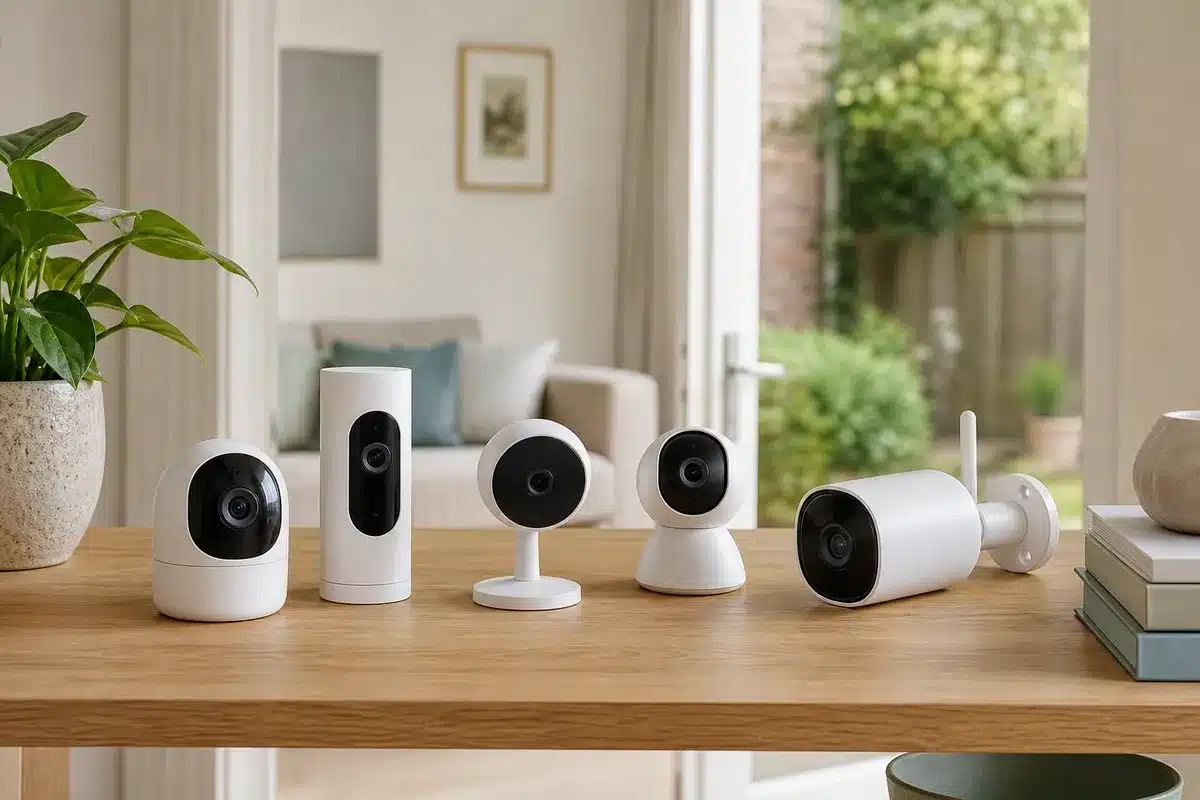
A Tapo camera is one of the most affordable ways to start protecting your home. TP-Link’s Tapo range covers indoor cameras, outdoor cameras, battery and solar models and video doorbells, and almost all of them work without a monthly fee when you record to a memory card.
With so many models, choosing a Tapo model can feel confusing. This guide explains the range simply and recommends six Tapo models for different spots around your home.
The short answer
- Indoors Tapo C210 is brilliant value; the C250 adds 4K.
- Outdoors with power Tapo C520WS pans 360° and has an Ethernet port.
- No power nearby Tapo TC82 battery camera or the C465 with built-in solar.
- No monthly fee Add a high-endurance microSD card and you can skip a plan.
In this guide
How to choose a Tapo camera
Tapo names can look like alphabet soup, but there’s a pattern. Models beginning with C are mostly plug-in cameras, the C2xx series are indoor pan-and-tilt cameras, and the C5xx series are outdoor. TC models are often battery or kit versions, and D or TD models are doorbells. The best Tapo model for you depends on where it’s going and whether there’s a socket nearby.
| Where | Our Tapo camera pick | Power |
|---|---|---|
| Living room or hallway | C210 or C250 | Plug-in |
| Driveway or garden with socket | C520WS | Plug-in |
| Side passage or shed | TC82 | Battery |
| Sunny wall, no socket | C465 | Solar |
| Front door | TD21 | Battery |
Our 6 Tapo camera picks

2K pan and tilt for very little
The Tapo C210 is the camera that made Tapo famous: 2K video, 360° pan and tilt, night vision, two-way audio and AI motion detection, with no monthly fee when you record to a microSD card.
- Superb value
- Covers a whole room
- Works with Alexa
- Indoor only
- Card sold separately

4K pan and tilt
If you want the clearest indoor picture, the C250 records 4K (8MP) with pan and tilt, making it easier to zoom into details.
- 4K detail
- Pan and tilt
- Smart detection
- Costs more than the C210
- Bigger files need a bigger card

Outdoor pan and tilt with starlight colour
The C520WS is a weatherproof outdoor camera that pans and tilts for a 360° view, with starlight colour night vision, motion tracking, two-way audio and an Ethernet port for a reliable wired connection.
- Whole-garden coverage
- Ethernet option
- No monthly fee
- Needs a nearby socket
- Card sold separately

Wire-free with long battery life
A wire-free battery camera for spots without power. Tapo quotes up to 180 days of battery life, and it offers colour night vision and AI detection.
- No cables
- Long battery life
- Indoor or outdoor
- Event recording rather than 24/7
- Recharging needed
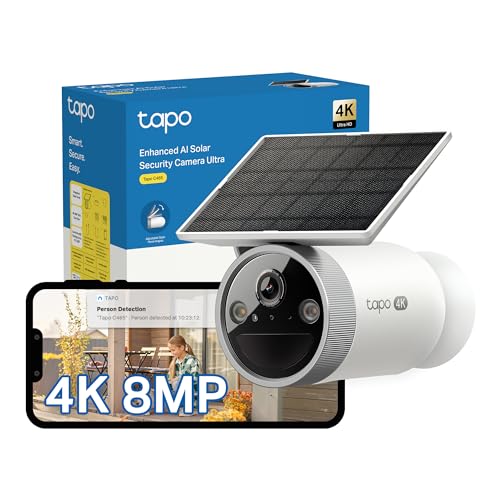
4K with integrated solar
The C465 has a solar panel built into the camera itself, so there’s no separate panel to mount, and it records 4K. A neat, tidy choice for a sunny wall.
- Built-in solar panel
- 4K resolution
- Very tidy install
- Needs a sunny spot
- Premium for Tapo

2K doorbell with chime included
If you’re building a Tapo home, the TD21 battery doorbell includes a chime and works with the same app. See our full [[tapo-doorbell-camera-review|Tapo doorbell review]] for more.
- Chime in the box
- Wide view
- No monthly fee
- Storage needs a card or hub
- Battery needs charging
Do you need Tapo Care?
Tapo Care is TP-Link’s optional cloud subscription. It adds cloud storage and some extra smart features, but it isn’t required for live view, alerts or local recording. For most people, a Tapo model with a microSD card is perfectly happy without it. If you’re worried about a camera being stolen along with its card, cloud storage or a hub kept indoors adds peace of mind. Our guide to security cameras with no subscription explains the trade-offs.
Choosing a memory card for your Tapo camera
Tapo models record to microSD cards, and constant recording wears out ordinary cards. A high-endurance card lasts much longer. Check the maximum card size supported by your Tapo model in its listing, then see our guide to high-endurance cards, which applies equally to home cameras.
Setting up a Tapo camera calmly
Five gentle steps
-
Install the Tapo app
Create an account with a strong, unique password.
-
Insert a microSD card
Format it in the app before you start recording.
-
Add the camera
Follow the in-app steps; most cameras connect to 2.4GHz Wi-Fi.
-
Set privacy zones
Mask neighbours’ windows and gardens.
-
Turn on two-step verification
It keeps your account secure.
Outdoor cameras should be positioned considerately. If a Tapo model records beyond your boundary, data protection law applies; our home CCTV law guide explains what that means. TP-Link’s own Tapo website has setup guides for every model.
Tapo cameras and Alexa or Google
Many Tapo models work with Amazon Alexa and Google Home, so you can see a camera on an Echo Show or Nest Hub with a quick voice request. That’s especially handy for the TD21 doorbell, as visitors can appear on your kitchen screen. Setup is done in the Alexa or Google app by linking your Tapo account.
Indoor privacy with a Tapo camera
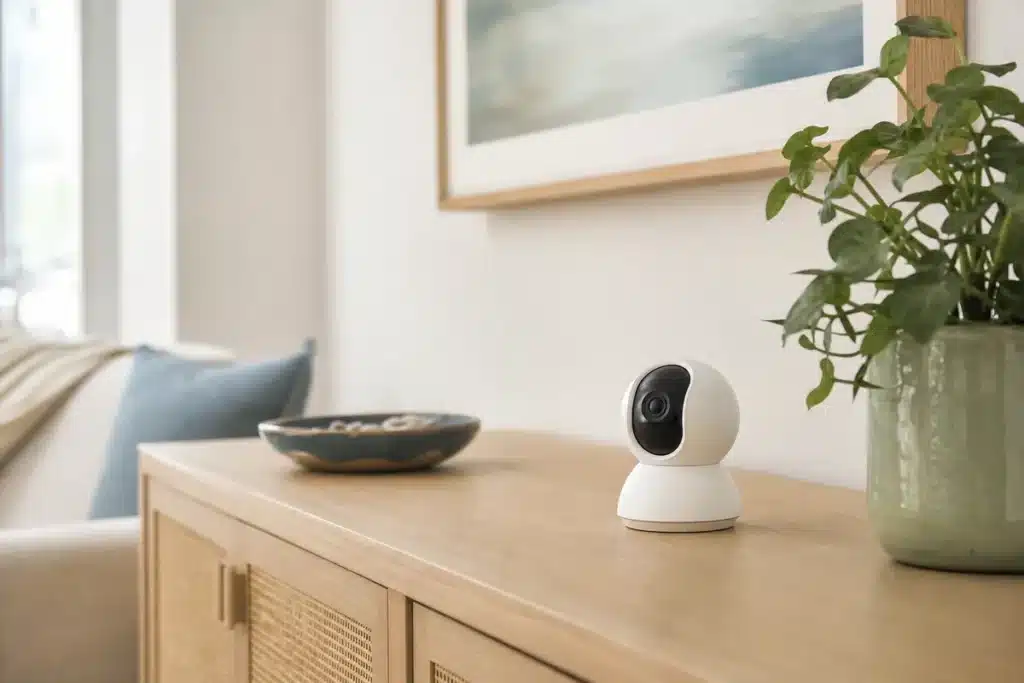
Indoor Tapo models such as the C210 include a privacy mode that stops recording and turns the lens away. You can schedule it, so the camera only watches while you’re out. It’s a thoughtful feature for shared homes and helps everyone feel comfortable.
How much storage will you need?
A 64GB card in a Tapo model recording motion events often holds weeks of clips. If you choose continuous recording, a 128GB or 256GB card gives you more history before it loops. Bigger 4K cameras such as the C250 and C465 create larger files, so a larger card is sensible. Check the maximum card size listed for your Tapo model before you buy.
Growing your Tapo system
One of the joys of Tapo is that everything lives in the same app. Many people start with a single indoor camera, add an outdoor camera for the drive, then a doorbell. Tapo also sells hubs that can store footage from battery cameras indoors, which helps if you’re worried about a camera being taken.
Tapo camera: FAQs
Which Tapo camera is best?
For indoors, the Tapo C210 is the best value. For outdoors, the C520WS. For no power, the TC82 or solar C465.
Does a Tapo camera need a subscription?
No. Live view, alerts and microSD recording work without Tapo Care. The subscription adds cloud storage and extras.
Do Tapo cameras work with Alexa?
Many do, including the C210 and C220, so you can view them on an Echo Show.
Can a Tapo camera work without Wi-Fi?
Some keep recording to the memory card if Wi-Fi drops, but you’ll need Wi-Fi for live view and alerts.
The bottom line
- Match the model to the location
- Use a high-endurance microSD card
- Position cameras considerately
A Tapo model is a wonderfully affordable way to protect your home. Start with the C210 indoors and the C520WS outdoors, add a high-endurance card, and you won’t need a monthly fee.
General information only. Features, prices and availability change, so always check the product listing and your manufacturer’s instructions. If a job involves your car’s electrics or mains wiring and you’re not confident, please ask a qualified installer.