A Yale burglar alarm is a familiar sight on British homes, and Yale’s DIY kits remain a popular choice. They’re straightforward to fit, many include a visible external siren box, and you don’t need a subscription to use them.
This guide explains the current Yale alarm range in plain English, from the Sync kits to the newer Smart Alarm and budget battery systems.
The short answer
- Best overall Yale Sync IA-320 with an external siren box.
- Larger homes Sync IA-330, with nine pieces.
- Newest app Yale Smart Alarm kits, no subscription.
- Budget Yale HSA Essentials, no app needed.
In this guide
Understanding the Yale burglar alarm range
Yale has three families. Sync is the established smart range with an external siren and app control. Smart Alarm is the newer range that works with the Yale Home app. HSA kits are simple battery alarms without app alerts. Accessories generally aren’t interchangeable between families, so pick the family first.
Our 5 Yale burglar alarm picks

Hub, external siren and sensors
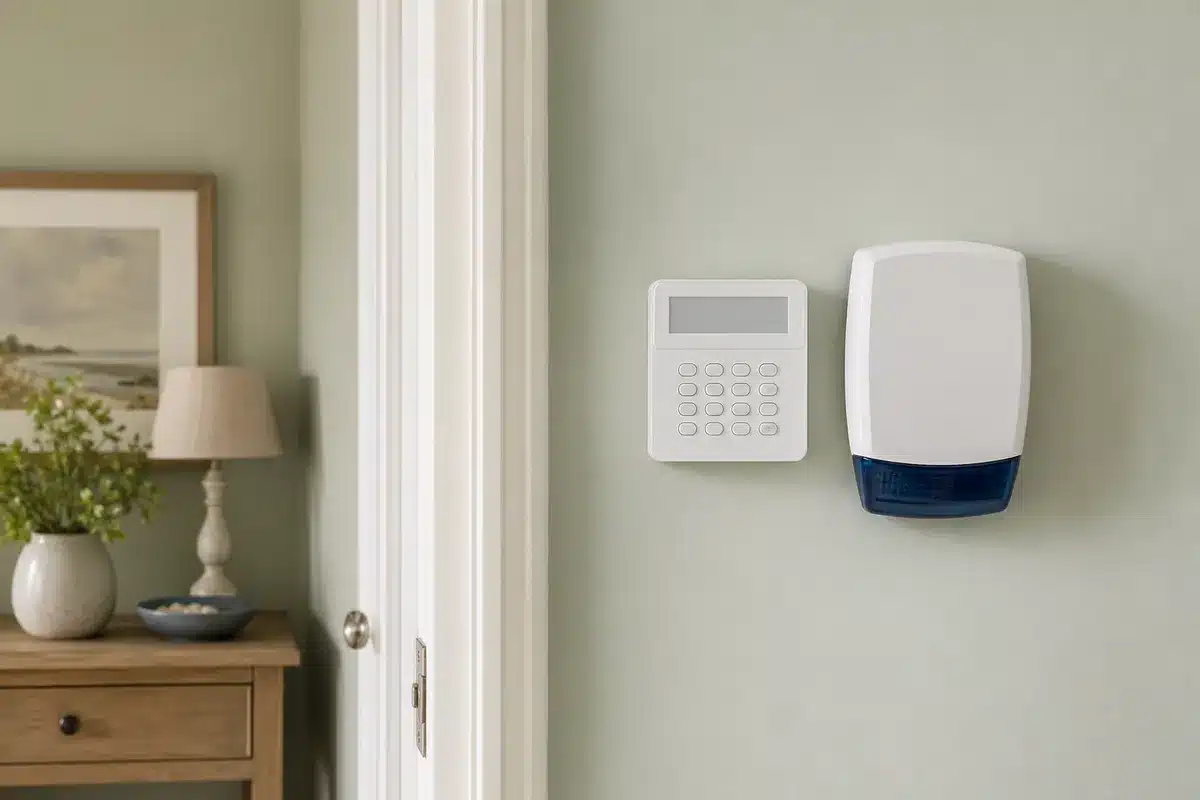
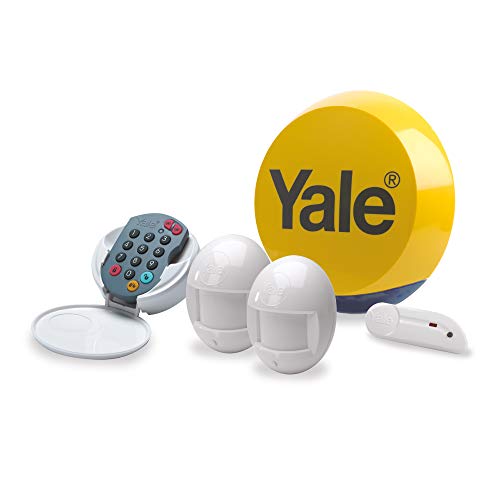
The Sync IA-320 is the classic Yale burglar alarm kit: a hub, external siren box, door contact and motion detectors, controlled from your phone with no subscription.
- Visible siren box
- No monthly fee
- Long radio range
- Older app
- Some accessories sold separately

More sensors in the box
The 9-piece Sync kit adds extra sensors, a better fit for larger homes with several doors and ground-floor windows.
- More sensors included
- External siren
- Good value per sensor
- More to install
- Older design

Modern app, no subscription
Yale’s newer Smart Alarm range uses the Yale Home app, with arm, part-arm and disarm and no subscription required.
- Modern app
- Part-arm mode
- No subscription
- Pricier
- Different accessories from Sync

10-piece smart alarm
The 10-piece premium kit covers more of your home out of the box, with the same modern app and no subscription.
- Whole-home kit
- Modern app
- No fees
- Higher cost
- More to fit
Simple battery alarm
A simple, affordable Yale burglar alarm with no Wi-Fi or app, ideal for flats or anyone who wants just a siren.
- Very affordable
- No app needed
- Quick to fit
- No phone alerts
- Basic
Fitting a Yale burglar alarm
A calm afternoon's job
-
Place the hub
Near your router for app models, somewhere central.
-
Fit the external siren high up
On the front of the house, in clear view.
-
Add door contacts
On every external door.
-
Position motion detectors
In hallways and main rooms, around 2 metres high.
-
Set up part-arm
Protect downstairs at night while you sleep upstairs.
Yale burglar alarm vs Ring and Ajax
A Yale alarm is a good choice if you want a visible siren box and no subscription. Ring offers a more polished app and integration with Ring cameras, while Ajax is the professional-grade option. Compare them all in our guide to the best home security alarms, or read our Ring Alarm review and Ajax review. Yale’s UK website lists accessories for each range.
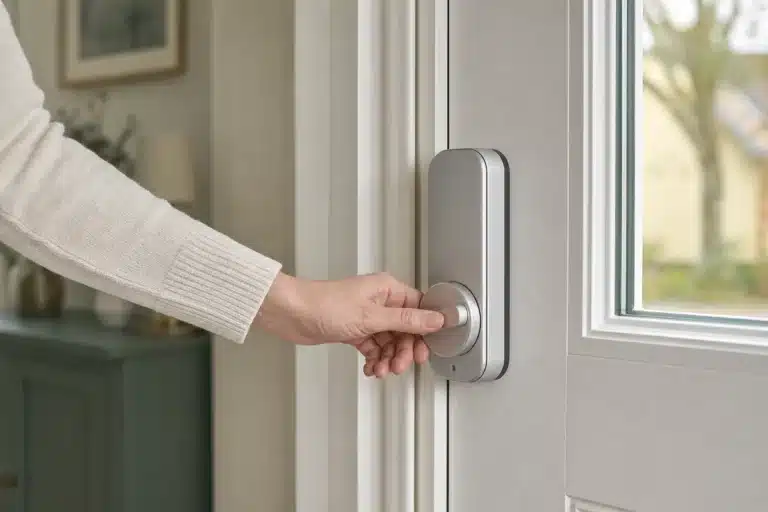
If you’d also like keyless entry, our guide to the best smart door locks includes Yale’s popular Conexis L2.
External siren or not?
One reason people choose a Yale alarm is the external siren box. A visible box on the front of your house is a simple deterrent, and its flashing light reassures you the system is working. If you live in a flat or rented home where you can’t fit an external siren, an internal siren alone still provides a loud alert.
Pet-friendly sensors
Yale sells pet-friendly motion sensors for its alarm ranges, which are designed to ignore smaller pets. Positioning matters too: avoid pointing sensors at stairs or furniture your pets climb on.
Using the Yale apps
Sync alarms use Yale’s Sync app, while the newer Smart Alarm range uses the Yale Home app. Both let you arm, part-arm and disarm from your phone and receive alerts. The newer app also brings Yale’s smart locks into the same place.
Batteries and maintenance
Yale alarm sensors run on batteries that typically last a long time. Replace them when prompted, and test your alarm every few months.
Adding to your Yale burglar alarm later
One of the nicest things about Yale’s kits is that you can start small and add accessories as you go. Extra door contacts, motion sensors, key fobs and even smoke detectors are available for each range. Just make sure you buy accessories designed for the range you own, as Sync and Smart Alarm parts generally aren’t interchangeable. The app will guide you through adding each new device in a few minutes.
Yale burglar alarm: FAQs
Does a Yale alarm need a subscription?
No. Yale’s DIY alarms can be self-monitored without a monthly fee.
Which Yale burglar alarm is best?
The Sync IA-320 suits most homes; the newer Smart Alarm range has the most modern app.
Are Sync and Smart Alarm accessories compatible?
Generally not. Choose accessories for the specific range you own.
Can I fit a Yale burglar alarm myself?
Yes. They’re designed for DIY, and most people fit them in an afternoon.
The bottom line
- Pick the range first
- No subscription needed
- Fit the siren where it's seen
A Yale alarm is a trusted, subscription-free way to protect your home. Choose Sync for a visible siren, Smart Alarm for the newest app, or HSA for simplicity.
General information only. Features, prices and availability change, so always check the product listing and your manufacturer’s instructions. If a job involves your car’s electrics or mains wiring and you’re not confident, please ask a qualified installer.