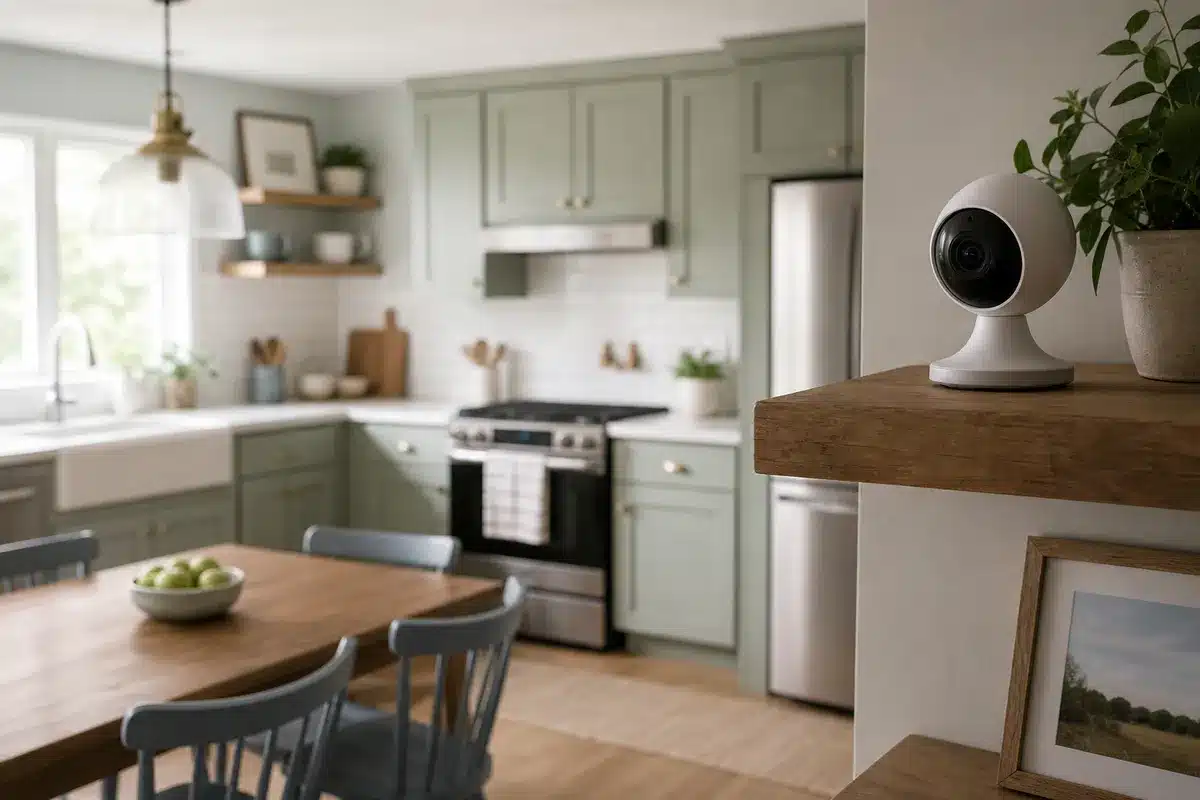
An indoor security camera is a gentle way to check in on home: to see that the dog is snoozing, a parcel arrived safely or the house is quiet while you’re on holiday. Modern cameras are small, affordable and increasingly privacy-conscious.
We’ve chosen six indoor security camera options from trusted brands, and added simple advice on using them kindly in a shared home.
The short answer
- Best value Tapo C210 with pan, tilt and free local recording.
- Physical privacy Ring Indoor Camera Plus has a manual cover.
- Renting a flat? eufy’s window camera looks outside from inside.
- Be open Tell everyone at home where cameras are.
In this guide
What an indoor security camera is good for
- Checking on pets while you’re at work
- Seeing that deliveries have arrived safely
- Keeping an eye on the house when you’re away
- Reassurance for older relatives who live alone, with their agreement
Our 6 indoor security camera picks

2K pan and tilt
The Tapo C210 is the indoor security camera we recommend most often: 2K, 360° pan and tilt, privacy mode and free local recording.
- Outstanding value
- Privacy mode
- No subscription
- Card extra
- Plastic build

2K with AI detection
A capable 2K pan-and-tilt indoor camera with AI person detection and local storage.
- Affordable
- Smart detection
- Works with HomeBase
- Needs a socket
- Card extra

2K with manual privacy control
Ring’s Indoor Camera Plus has a manual privacy cover, which many families appreciate. Recordings need a Ring Home plan.
- Physical privacy cover
- Great app
- 2K
- Plan for recordings
- Fixed view

Tiny and inexpensive
A tiny plug-in indoor security camera with colour night vision, ideal for a shelf or windowsill.
- Very small
- Low price
- Alexa friendly
- Plan for cloud clips
- Fixed view
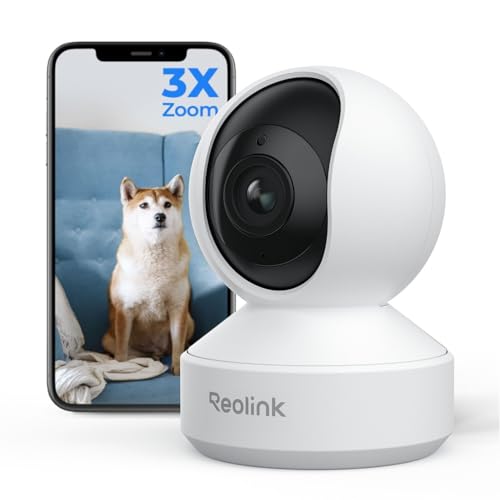
4K with optical zoom
If you want to read details across a room, the E1 Zoom offers 4K, 3x optical zoom and auto tracking with local storage.
- Optical zoom
- Sharp 4K
- No monthly fee
- Pricier
- Larger

Looks out through a window
Designed to sit inside a window and look out, useful for renters or flats where you can’t fit an outdoor camera.
- No outdoor fitting
- Renter friendly
- Optimised for glass
- Window reflections at night
- Check angle carefully
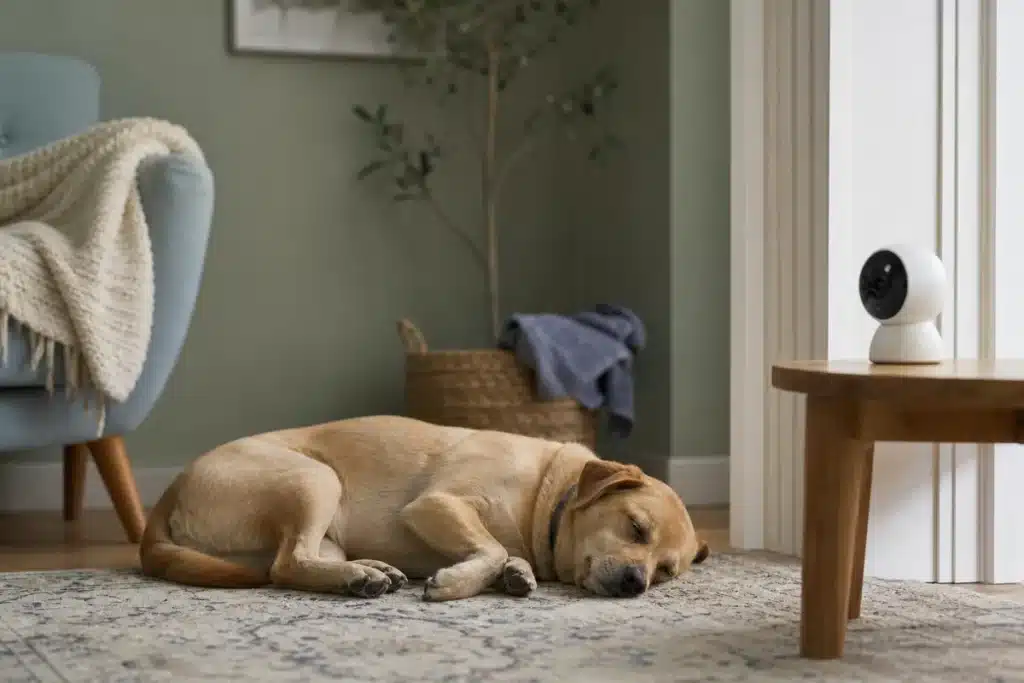
Using an indoor security camera kindly
An indoor camera works best when everyone feels comfortable with it. Tell family members where cameras are, turn them off or use privacy mode when you’re home, and let visitors, babysitters and cleaners know. If you employ someone in your home regularly, recording them may bring data protection duties. Our home CCTV law guide explains more.
Privacy-first habits
-
Avoid bedrooms and bathrooms
Keep cameras in shared spaces like hallways.
-
Use Home and Away modes
Cameras switch off when you’re in.
-
Choose a physical cover
Or a camera with a privacy mode that turns the lens away.
-
Secure your account
Strong password and two-factor sign-in.
-
Delete what you don't need
Set short retention for indoor footage.
For pets in particular, see our guide to the best pet cameras. For the outside of your home, see the best outdoor security cameras. The NCSC’s smart camera guidance has helpful security tips.
Pan and tilt or fixed?
A pan-and-tilt indoor camera can turn to look around a room and often follow movement, which is ideal for pets or larger open-plan spaces. A fixed camera is smaller, quieter and covers one view well, such as a hallway or front door. If you’re unsure, pan and tilt is the more flexible choice.
Indoor cameras for older relatives
Some families use indoor cameras to keep an eye on an older relative who lives alone. This can be reassuring, but it’s important that the person agrees, understands where the camera is and can switch it off. Many people prefer a camera in the hallway rather than living areas, or alternatives such as motion sensors that alert family without video.
Local storage or cloud?
Tapo, eufy and Reolink indoor cameras record to a memory card or hub without a monthly fee, and the footage stays in your home. Ring and Blink store recordings in the cloud with a plan. If privacy is your priority, local storage keeps everything under your own roof.
Night vision indoors
Most indoor cameras switch to infrared at night. Avoid pointing them at windows, which reflect the infrared light back.
How many indoor cameras do you need?
Most homes only need one indoor security camera, usually in the main hallway where anyone moving through the house would pass. If you have pets that roam, a second camera in the living room or kitchen can help. Fewer cameras is often kinder to everyone at home, and it keeps alerts manageable. Start with one, see how you use it, and add another only if you find you need it.
Indoor security camera: FAQs
What is the best indoor camera?
The Tapo C210 is the best value. The Ring Indoor Camera Plus is ideal if you want a physical privacy cover.
Can an indoor camera see through a window?
Standard cameras struggle with reflections at night. Window-specific models like eufy’s E10 are designed for it.
Do indoor cameras record sound?
Most do. You can usually turn audio recording off, which is kinder in shared homes.
Do I need a subscription?
Not with Tapo, eufy or Reolink, which record locally. Ring and Blink need plans for saved clips.
The bottom line
- Keep cameras in shared spaces
- Use privacy modes when home
- Local storage avoids fees
An indoor camera offers gentle reassurance when you’re away. Choose Tapo for value, Ring for a physical privacy cover, and always use cameras openly and kindly.
General information only. Features, prices and availability change, so always check the product listing and your manufacturer’s instructions. If a job involves your car’s electrics or mains wiring and you’re not confident, please ask a qualified installer.