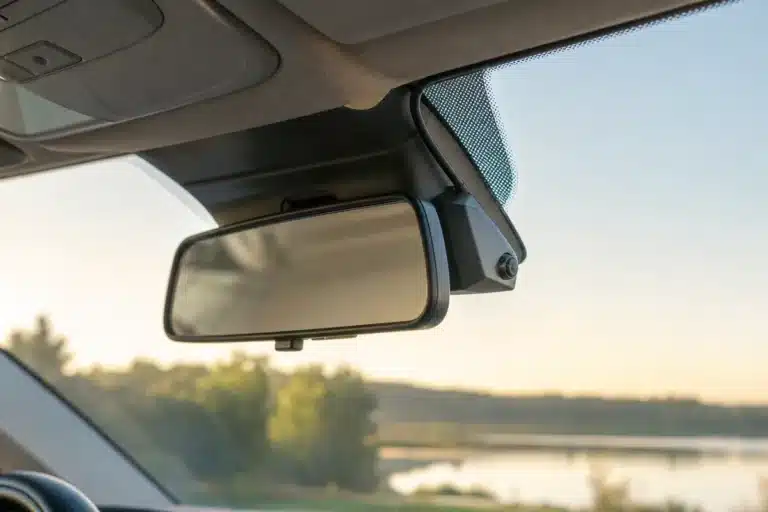
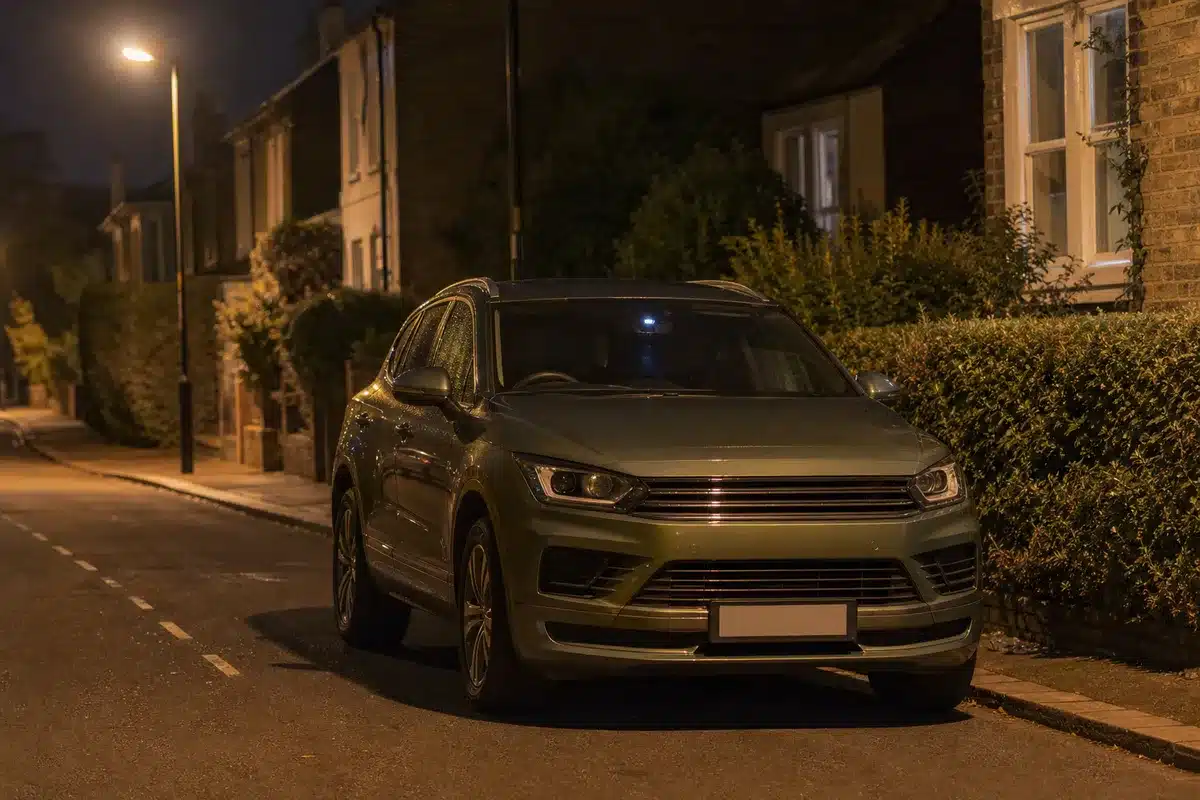
Dash cam parking mode lets your camera keep watch while your car is parked. If someone clips your wing mirror in a supermarket car park or scrapes your bumper on the street overnight, dash cam parking mode means you may have footage of exactly what happened.
It’s a lovely feature for peace of mind, but it needs a little thought. The camera needs power when the engine is off, and that power has to come from somewhere without leaving you with a flat battery. This guide explains, step by step, how to set up dash cam parking mode safely.
The short answer
- It needs constant power Most cameras need a hardwire kit or OBD adapter, not the 12V socket.
- Use low-voltage protection A cut-off switches the camera off before your battery runs too low.
- Choose the right mode Impact-only modes use least power; time-lapse records most.
- Use a tough memory card Parking mode adds hours of recording to the card.
In this guide
How dash cam parking mode works
When you switch off the engine, a camera in dash cam parking mode drops into a low-power state rather than turning off completely. Depending on the model, it then watches for movement, bumps or both.
- Impact detection. The G-sensor wakes the camera when the car is knocked and saves a short clip. Uses the least power.
- Motion detection. The camera records when something moves in front of the lens. More clips, more power.
- Time-lapse. The camera records continuously at a low frame rate, so hours fit into minutes of footage.
- Buffered recording. Premium cameras keep a few seconds before an event, so you see what led up to it.
Not every camera supports every mode, so check the listing or manual for the camera you choose.
Powering dash cam parking mode safely
Most cars switch off the 12V socket with the ignition, which is why a plug-in cable can’t run dash cam parking mode. There are three common ways to give the camera power while parked.
Option 1: a hardwire kit
A hardwire kit connects the camera to your car’s fuse box using a fuse tap. It usually has two wires: one to a permanent live fuse (always on) and one to a switched fuse (on with the ignition), so the camera knows when the car is parked. Good kits include a low-voltage cut-off that turns the camera off before your battery gets too low to start the car.
Option 2: an OBD power adapter
Some brands, including Garmin, sell adapters that plug into the OBD-II diagnostic port under the dashboard. It’s quicker than wiring into the fuse box, and you can remove it easily. Just check that the adapter is designed for your camera.
Option 3: a dedicated dash cam battery pack
A separate battery pack charges while you drive and powers the camera when you’re parked, leaving the car battery completely alone. It costs more, but it’s a calm solution for cars that are parked for long periods.
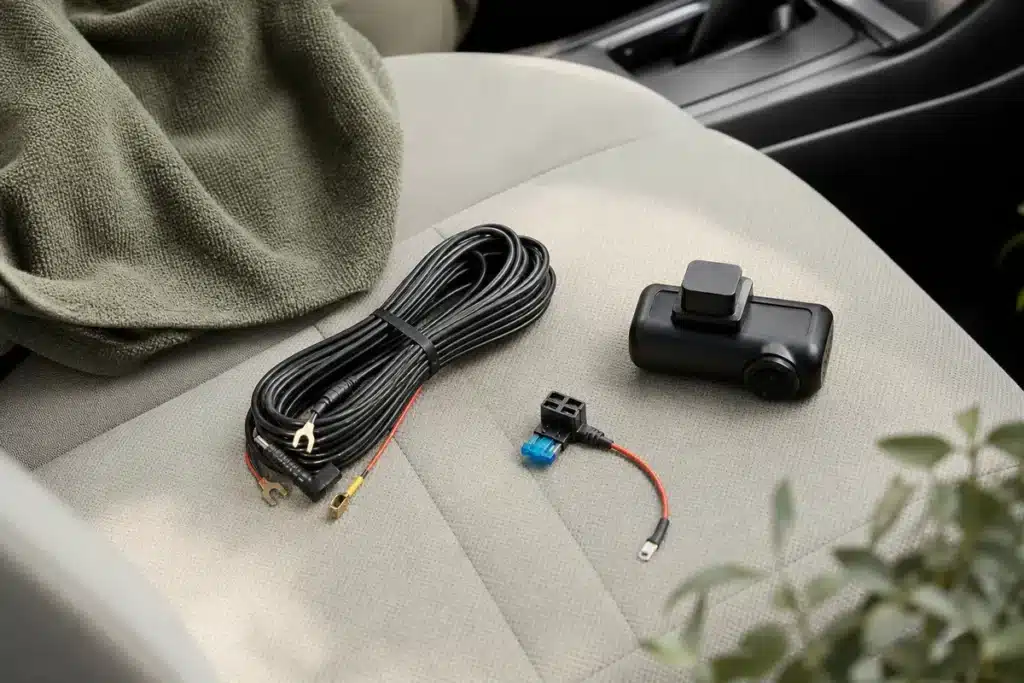
Our dash cam parking mode kit picks
These accessories from Amazon.co.uk cover the most common ways to run dash cam parking mode. Choose the one that matches your camera.
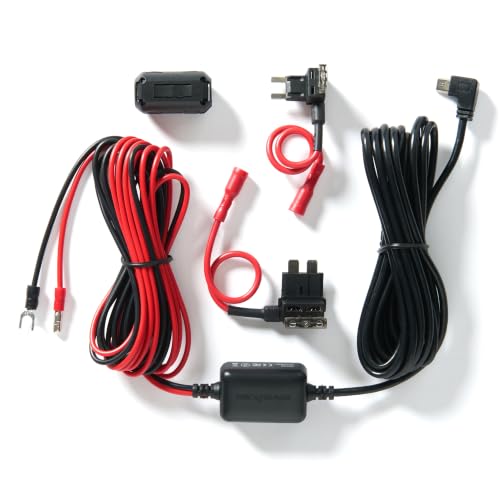
Made for Nextbase dash cams
If you own a Nextbase 122 to 622GW, this is the tidy, official way to power parking mode. It wires into your fuse box, has a 5 m cable for neat routing and includes built-in battery protection.
- Designed for Nextbase cams
- Battery protection built in
- Long cable for hidden routing
- Only fits compatible Nextbase models
- Fuse box access needed
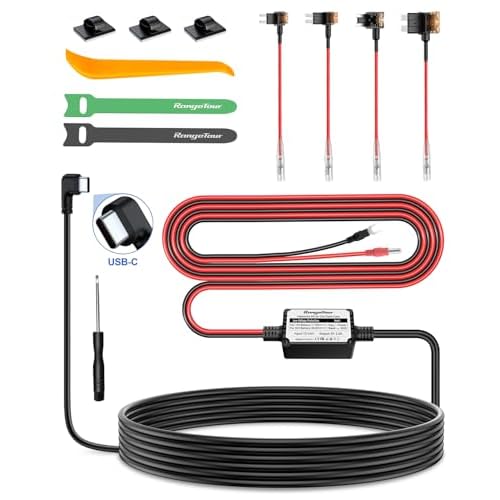
Fits most USB-C dash cams
A budget-friendly universal kit for dash cams that take USB-C power. It converts 12V or 24V to 5V, includes low-voltage protection and comes with four types of fuse adapter so you can match your car’s fuse box.
- Inexpensive
- Includes several fuse tap types
- Low-voltage protection
- Check your camera uses USB-C
- Instructions are basic

Plugs into the OBD-II port
For Garmin dash cams, this adapter plugs into your car’s OBD-II port under the dashboard instead of the fuse box. It provides power while parked so features like Parking Guard can work, which is ideal if you’d rather not touch fuses.
- No fuse box work
- Quick to fit and remove
- Made for Garmin dash cams
- Garmin cameras only
- OBD port location varies by car

Built for constant recording
Parking mode adds hours of recording, so a high-endurance card matters even more. SanDisk rates this 128GB card for up to 10,000 hours of Full HD video, and it’s designed for dash cams and home cameras.
- Made for continuous recording
- Generous 128GB size
- Includes SD adapter
- Costs more than a standard card
- Still needs regular formatting
Setting up dash cam parking mode in 5 steps
A simple, safe setup
-
Find your fuse box
Your car’s handbook shows where it is and what each fuse does.
-
Pick the right fuses
Choose a permanent live fuse and an ignition-switched fuse that aren’t for safety systems like airbags.
-
Fit the fuse taps
Insert the taps with the correct fuse ratings and connect the earth wire to a bare metal bolt.
-
Set the cut-off voltage
12.0V to 12.2V is a careful starting point for most petrol and diesel cars.
-
Turn on parking mode
Enable it in the camera’s menu or app and choose impact, motion or time-lapse.
If you’re unsure about any of this, please don’t guess. An auto-electrician can fit a hardwire kit quickly, and many will tidy all the cables away so you never see them.
Some electric and hybrid cars handle 12V power differently. Check your car’s handbook and the camera maker’s advice before hardwiring, and use a fitter if in doubt.
Will dash cam parking mode drain my battery?
Not if it’s set up properly. With a low-voltage cut-off, the camera switches itself off before the battery drops too far. Older batteries, very cold weather and cars left for a week or more are the main risks, so in winter you might choose a higher cut-off or a shorter parking timer.
Getting the most from your footage
Parking mode adds a lot of recording, so use a high-endurance memory card and format it regularly. Our dash cam SD card guide explains which cards cope best. If you haven’t chosen a camera yet, our list of the best dash cams UK drivers can buy notes which ones support parking mode well.
Wherever you mount the camera, keep it clear of your view of the road. The official MOT visibility guidance explains how obstructions in the windscreen’s swept area are judged.
Dash cam parking mode FAQs
Does dash cam parking mode work with the cigarette lighter socket?
Usually not, because most sockets turn off with the ignition. You’ll need a hardwire kit, OBD adapter or battery pack.
Is hardwiring a dash cam legal?
Yes. Just make sure it’s fitted safely, away from airbags, and doesn’t affect any safety systems.
Will hardwiring affect my car warranty?
Fuse taps don’t cut into wiring, but check with your dealer if you’re worried, or have a professional fit it.
How long will parking mode record?
It depends on your battery, the cut-off voltage and the mode. Impact-only modes can last for days; time-lapse for hours.
The bottom line
- Never rely on the 12V socket for parking mode
- Set a sensible cut-off voltage
- Ask a fitter if you're unsure
Dash cam parking mode is a quiet guardian for your car. Power it with a kit that has low-voltage protection, choose a mode that suits where you park, and use a tough memory card.
General information only. Features, prices and availability change, so always check the product listing and your manufacturer’s instructions. If a job involves your car’s electrics or mains wiring and you’re not confident, please ask a qualified installer.