When people search for a wireless dash cam, they usually mean one of two things: a camera that connects to your phone over Wi-Fi so you never need to remove the memory card, or a camera with as few visible cables as possible. Almost every modern dash cam still needs power from the car, but a good wireless dash cam can look wonderfully tidy.
This guide explains what wireless really means, and recommends five tidy, app-friendly camera options for UK drivers.
The short answer
- Wireless means Wi-Fi Clips go to your phone without removing the card.
- Still needs power A built-in battery only covers saving a clip when power cuts.
- Tidiest install Hide the cable in the headlining or hardwire to the fuse box.
- Our pick Garmin Mini 3 for discretion; 70mai M310 Plus for budget.
In this guide
What is a wireless dash cam?
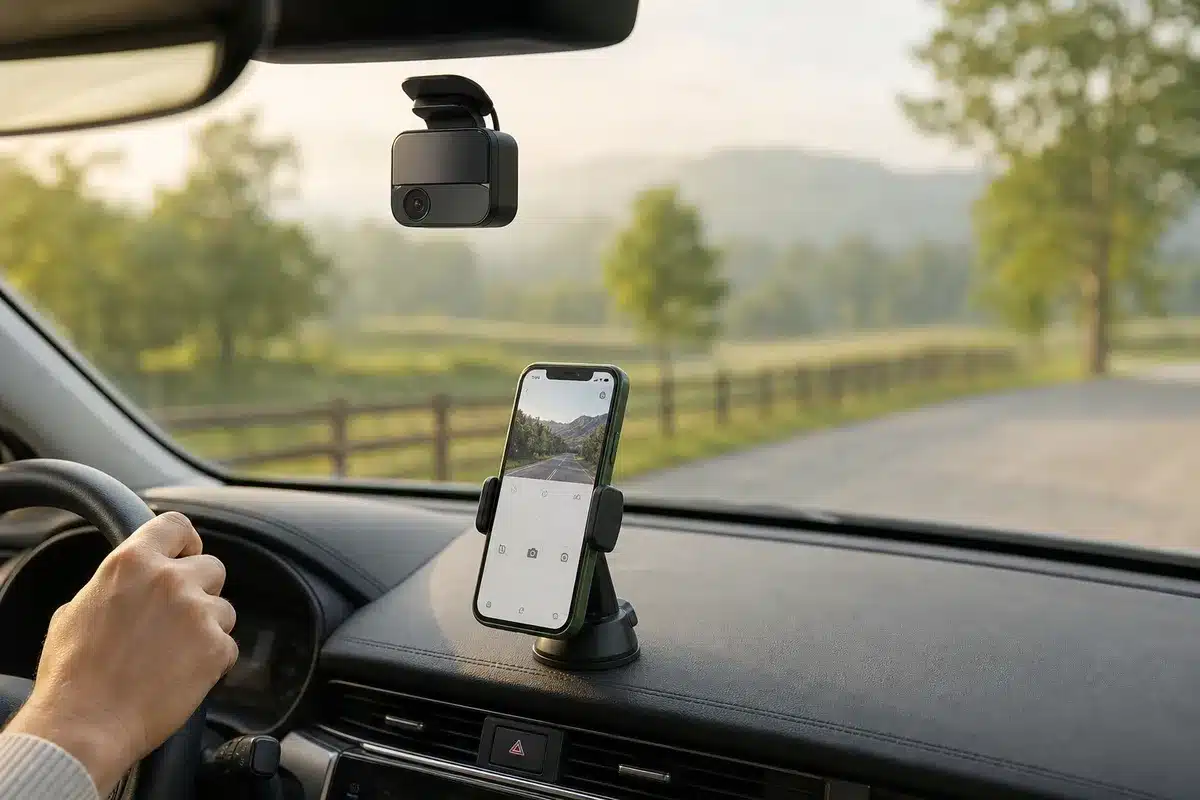
A camera connects to your phone over Wi-Fi or Bluetooth. That means you can watch live view while setting it up, save and share clips without taking out the memory card, and update firmware from the app. It doesn’t mean the camera runs without power: dash cams record constantly, which needs more energy than a small battery can supply.
Many cameras have a tiny battery or supercapacitor that saves the last clip when power is cut. Supercapacitors cope better with hot cars, which is why many quality dash cams use them.
Our 5 wireless dash cam picks

Key-sized with app control
The Mini 3 is tiny and connects to your phone for viewing and saving clips. With no screen, it disappears behind your mirror.
- Very small
- Polariser
- Voice control
- No screen
- Parking needs a power adapter

4K mini with Wi-Fi
A small 4K front camera with Wi-Fi app control, voice commands and a bright lens, at a very approachable price.
- 4K for little money
- App and voice control
- Compact
- Basic app
- Hardwire kit for parking

Wi-Fi 6 front and rear
Fast 5GHz Wi-Fi 6 makes downloading clips to your phone quicker, and you get 4K at the front with a rear camera and GPS.
- Quick phone transfers
- Front and rear
- GPS
- Rear cable to fit
- 4G needs an extra module

Compact and app-led
Nextbase’s Piqo is designed around its app, with quick Wi-Fi and Bluetooth pairing, 1440p video and voice control.
- Polished app
- Small design
- Sharp 2K
- No screen
- Parking cable extra

Wi-Fi, Bluetooth and touchscreen
If you’d like a screen as well as wireless transfers, the 322GW combines a touchscreen with Wi-Fi and Bluetooth.
- Screen for quick checks
- GPS
- Easy transfers
- 1080p
- Bigger than minis
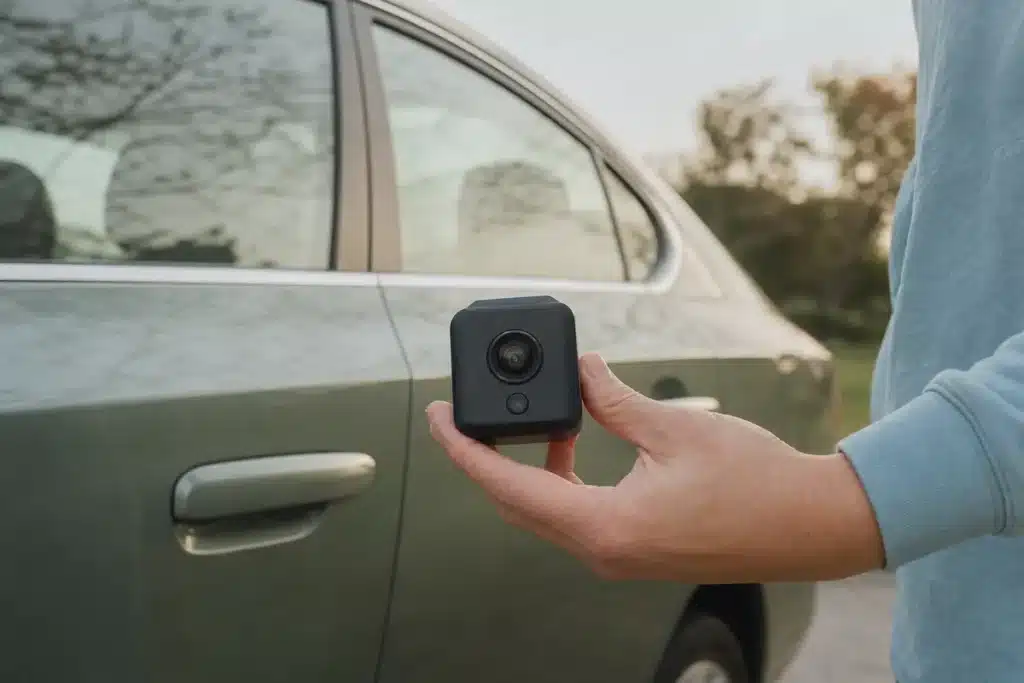
Making a wireless dash cam look truly tidy
A clean, cable-free look
-
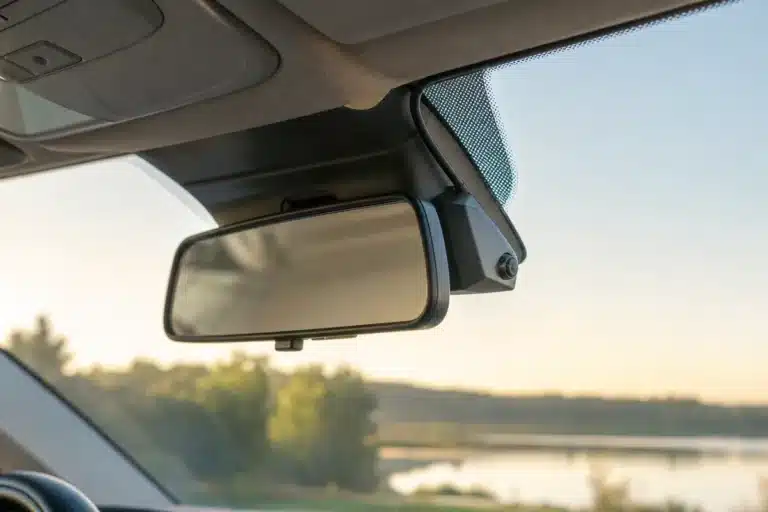
Mount behind the mirror
Out of your sightline and mostly hidden.
-
Tuck the cable into the headlining
Push it gently under the edge with a trim tool.
-
Run it down the pillar
Avoid airbag panels; follow the weather seal.
-
Hardwire for a hidden finish
A hardwire kit removes the 12V plug entirely.
-
Pair the app
Set the date, time and resolution from your phone.
If you’d like parking protection, hardwiring is the way to go; see our parking mode guide. For a wider comparison, our list of the best dash cams UK covers screens, 4K and front-and-rear kits.
Wi-Fi tips
Dash cam Wi-Fi is a direct connection between camera and phone, not internet access. On some phones, you’ll need to tell them to stay connected to the camera’s network even though it has no internet. Downloading 4K clips can take a little while, so 5GHz Wi-Fi models such as the 70mai A810 Lite are noticeably quicker. Remember, never handle your phone while driving; the UK mobile phone law applies to dash cam apps too.
Do you need a screen?
A screen makes it easy to check that the camera is pointing the right way and to replay a clip at the roadside. Screenless camera models are smaller and less distracting, and rely on your phone for viewing. If you like gadgets that stay out of sight, go screenless; if you’d rather not reach for your phone, choose a model with a screen.
Front, rear and cabin cameras
Some camera kits add a rear camera, and a few include a cabin camera for taxi or ride-share drivers. Rear cameras still need a cable running to the back of the car, so wireless refers to the phone connection rather than the cameras themselves. Our front and rear guide explains when a rear camera is worth it.
Battery versus supercapacitor
You’ll see some dash cams described as having a battery and others a supercapacitor. Both keep the camera running long enough to save the last clip when power is cut. Supercapacitors are generally more tolerant of the heat inside a car on a sunny day, which is why many enthusiasts prefer them.
Keeping footage safe
Even with Wi-Fi, footage is recorded to a memory card, so use a high-endurance card and format it regularly.
Wireless dash cam: FAQs
Is there a truly wireless dash cam?
Not for continuous recording. Dash cams need power from the car; wireless usually means Wi-Fi app connectivity.
Can a wireless dash cam run on battery?
Only briefly. Built-in batteries or supercapacitors are there to save clips when power cuts.
How do I get footage onto my phone?
Connect to the camera’s Wi-Fi in its app, then download or share the clip.
Do wireless dash cams need mobile data?
No. The camera creates its own local Wi-Fi network. Some models offer optional 4G modules for remote access.
The bottom line
- Wireless means Wi-Fi, not battery
- Hide the cable for a tidy look
- Never use the app while driving
A camera makes life easier by sending clips straight to your phone. Pair one with a neatly hidden cable or hardwire kit and it’ll look almost invisible.
General information only. Features, prices and availability change, so always check the product listing and your manufacturer’s instructions. If a job involves your car’s electrics or mains wiring and you’re not confident, please ask a qualified installer.