A Ring doorbell sends alerts to your phone, but phones get left upstairs, put on silent or run out of battery. A chime for Ring video doorbell owners solves this simply: it plugs into a socket and rings out whenever someone’s at the door.
This guide explains why a chime for Ring video doorbell alerts is worth having, compares the current options, and shows how to set one up.
The short answer
- Best for most Ring Chime (newest gen): simple and affordable.
- Nicer sound Ring Chime Plus adds clearer audio and a night-light.
- Buying a doorbell too? A doorbell and chime bundle saves a little.
- Battery doorbells Most battery Ring doorbells need a separate chime to ring indoors.
In this guide
Why you need a chime for Ring video doorbell alerts
Many battery Ring doorbells don’t connect to an existing indoor bell, so without a chime, the only alert is on your phone. A chime for Ring video doorbell owners means everyone in the house hears visitors, including family members without the app. It’s especially helpful for older relatives and anyone who doesn’t carry a phone around the house.
Our 4 picks for a chime for Ring video doorbell

Simple plug-in chime
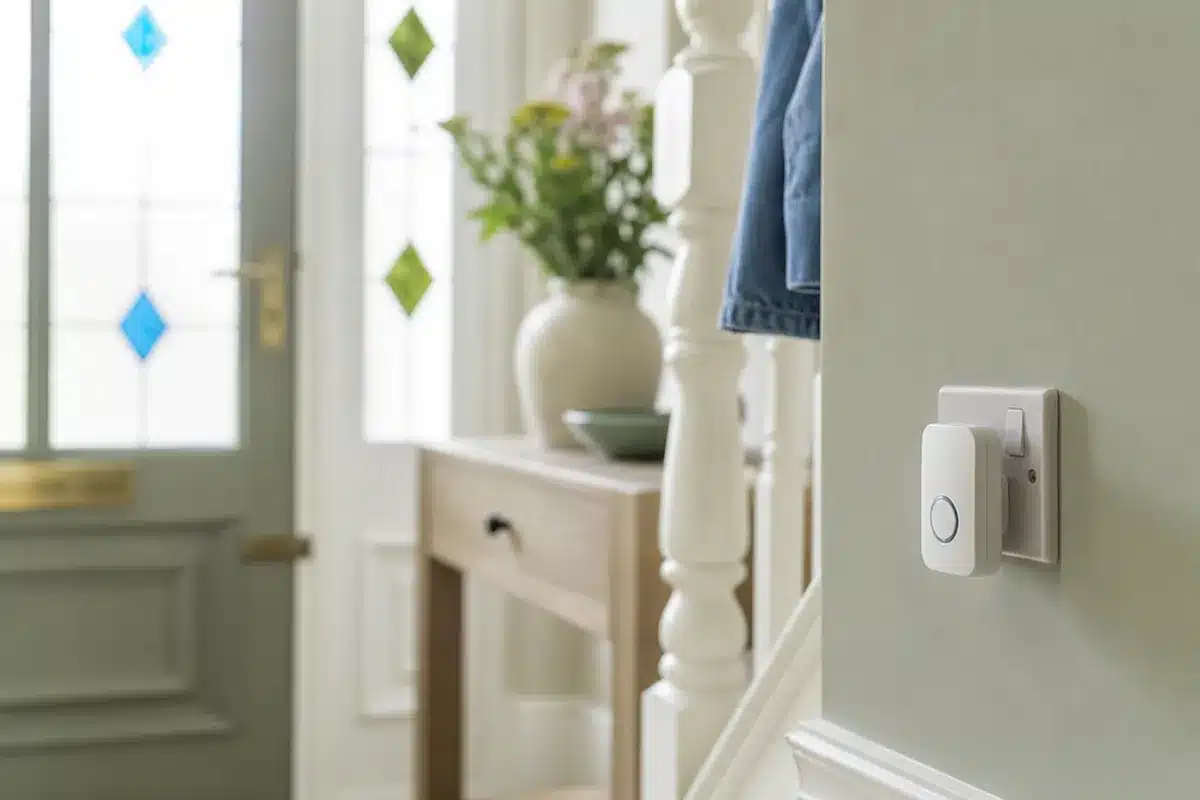
The newest Ring Chime plugs into any socket and plays a sound when someone presses your doorbell or a camera sees motion. Enhanced audio makes it easier to hear around the home.
- Very easy setup
- Affordable
- Works with Ring cameras too
- Doesn’t extend Wi-Fi
- One more socket used

Clearer audio with a night-light
Chime Plus adds crisper audio, a built-in night-light and customisable tones, which is lovely in a hallway or landing.
- Clearer sound
- Handy night-light
- Custom tones
- Costs more
- Still uses a socket

Doorbell and chime together
If you’re buying a Ring doorbell anyway, this bundle includes the 2K battery doorbell and a chime for a little extra.
- Good value bundle
- Everything in one box
- 2K video
- Recordings need a plan
- Battery needs charging

Wired doorbell plus chime
For homes with doorbell wiring, this bundle pairs the wired 2K doorbell with a plug-in chime, so there’s no battery to charge.
- No charging
- Chime included
- Compact doorbell
- Needs suitable wiring
- Plan for recordings

How to set up a chime for Ring video doorbell
Five simple steps
-
Choose a central socket
Somewhere between the front door and where you spend most time.
-
Open the Ring app
Tap Set Up a Device and choose Chime.
-
Follow the prompts
Connect the chime to your Wi-Fi.
-
Link your doorbell
Choose which doorbell and cameras should ring the chime.
-
Pick a tone and volume
Try a few to find one everyone likes.
Chime or Chime Pro?
Older Ring Chime Pro models also extended Ring Wi-Fi to doorbells far from the router. If your doorbell has a weak signal, a Wi-Fi extender or mesh system may help more. Our guide to cameras that keep going offline explains how to improve signal.
Other ways to hear your Ring doorbell
If you have Amazon Echo speakers, you can set them to announce your Ring doorbell, which works nicely alongside a chime. For a full comparison of doorbells, see our guide to the best doorbell camera, and if you’d like to understand costs, read how much a Ring subscription costs. Ring’s UK website lists chime compatibility.
Where to put your chime
A chime alerts works best somewhere central, so you can hear it from most of the house. A hallway socket is a natural choice, but if you spend most evenings in a kitchen-diner at the back of the house, a socket there might be better. In larger homes, you can add a second chime upstairs so nobody misses a visitor.
Choosing tones and volume
Ring chimes offer a range of tones, from traditional ding-dongs to gentler sounds, and many people choose different tones for the doorbell and for motion alerts. If you have a baby or a light sleeper at home, Do Not Disturb settings let you pause the chime for a set time, while still recording visitors.
A chime for older relatives
For older relatives who don’t use smartphones, a chime alerts can be the difference between hearing visitors and missing them. Some chimes include a soft light, which is a helpful visual cue for anyone with hearing loss.
Does a chime need Wi-Fi?
Yes. Ring chimes connect to your Wi-Fi and receive alerts through the Ring service, so they need a reasonable signal where you plug them in.
Chime for Ring video doorbell: FAQs
Do I need a chime alerts?
Not strictly, but without one you’ll only be alerted on your phone. A chime makes sure everyone hears the door.
Can I use my existing doorbell chime with Ring?
Some wired Ring doorbells work with existing mechanical chimes. Battery models usually need a Ring Chime.
Does a Ring Chime need a subscription?
No. Chimes work without a Ring Home plan.
Can one chime work with several Ring devices?
Yes. You can link a chime to multiple doorbells and cameras in the app.
The bottom line
- Plug in centrally
- Link it in the Ring app
- Consider Echo announcements too
A chime owners is a small, inexpensive upgrade that makes life calmer. Choose the standard Ring Chime for most homes, or Chime Plus for clearer sound and a night-light.
General information only. Features, prices and availability change, so always check the product listing and your manufacturer’s instructions. If a job involves your car’s electrics or mains wiring and you’re not confident, please ask a qualified installer.