Choosing between wired vs wireless security cameras is one of the first decisions you’ll make when protecting your home. Both are good options. The right one depends on how much installation you’re comfortable with, how reliable your Wi-Fi is and whether you want continuous recording.
This guide compares wired vs wireless security cameras in seven simple ways, with a couple of recommended cameras for each type.
The short answer
- Wireless is easiest Battery cameras fit in minutes and need no cables.
- Wired is most reliable Wired cameras never need charging and can record 24/7.
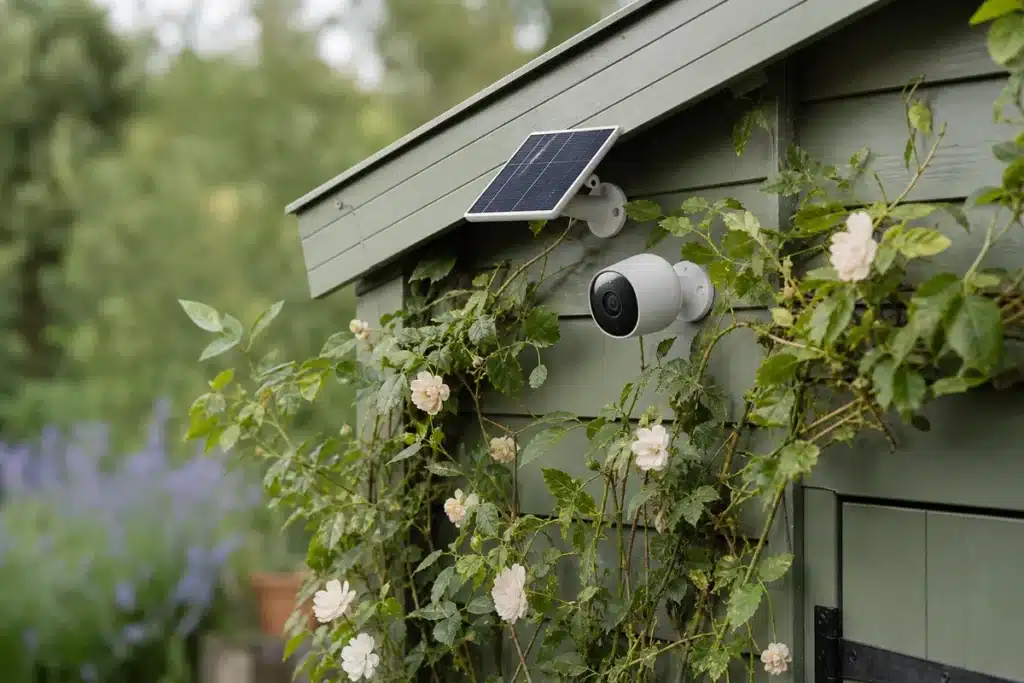
- Solar is a happy middle A panel keeps wireless cameras topped up.
- Renters Wireless cameras are usually the kinder choice for rented homes.
In this guide
What do wired and wireless really mean?
The words can be confusing. In the wired vs wireless security cameras debate, ‘wireless’ usually means a camera that runs on a battery and sends video over Wi-Fi. ‘Wired’ can mean two things: a camera that gets power from the mains but still uses Wi-Fi, or a camera that uses one network cable for both power and data, known as Power over Ethernet (PoE).
7 differences between wired vs wireless security cameras
| Wireless (battery) | Wired (mains or PoE) | |
|---|---|---|
| Installation | Minutes, no cables | Longer; may need an electrician |
| Power | Battery, recharge or solar | Constant |
| Recording | Usually events only | Can record 24/7 |
| Connection | Wi-Fi | Wi-Fi or network cable |
| Reliability | Depends on Wi-Fi and battery | Very reliable, especially PoE |
| Flexibility | Easy to move | Fixed in place |
| Upfront cost | Lower | Higher, including installation |
1. Installation
Wireless cameras win on ease. Most attach with a couple of screws or a magnetic mount, and you’re watching live video within minutes. Wired cameras take longer, particularly PoE cameras, which need cables routed through walls or along eaves. Mains-powered cameras should be connected by a qualified electrician.
2. Power
Battery cameras need recharging every few weeks or months, depending on how busy the area is. A solar panel can keep them topped up in a sunny spot. Wired cameras never need charging, which some people find more relaxing.
3. Recording style
To save battery, most wireless cameras only record when they detect motion. Wired cameras can record continuously, so you’ll never miss the moments before something happens.
4. Reliability
In the wired vs wireless security cameras comparison, PoE cameras are the most dependable because they don’t rely on Wi-Fi at all. Wireless cameras can drop out if your signal is weak; see our camera offline guide for gentle fixes.
5. Flexibility
Wireless cameras can be moved whenever you like, which is lovely for renters or anyone still deciding on the perfect spot.
6. Security
Both types can be secure if you use strong passwords and keep firmware updated. A wired network connection is harder to interfere with than Wi-Fi, which is one reason businesses prefer PoE.
7. Cost
Wireless cameras are usually cheaper to buy and install. Wired systems can cost more upfront, especially with professional installation, but there are no batteries to replace.
Our picks for wired vs wireless security cameras

12MP PoE dome with spotlight
A true wired camera: one network cable carries both power and data using Power over Ethernet. It records 12MP with a spotlight for colour night vision, supports 24/7 recording and has a microSD slot for local storage.
- Never needs charging
- Very detailed 12MP video
- Continuous recording
- Needs a PoE switch or recorder
- Cable runs take planning

Dual cameras and bright floodlights
This wired floodlight camera connects to mains power and Wi-Fi, so there’s no network cable to run. It has dual cameras with pan and tilt, 3K resolution, 2,000-lumen floodlights and 24/7 recording, with no monthly fee.
- Bright floodlights deter visitors
- 24/7 recording
- No network cable needed
- Mains wiring needs a qualified electrician
- Large unit on the wall

Battery camera with built-in storage
For the simplest possible install, the SoloCam S220 is wire-free, records 2K and keeps clips on built-in storage. There’s nothing to plug in and no monthly fee.
- Fits in minutes
- No subscription
- Can move it anytime
- Records events, not 24/7
- 2.4GHz Wi-Fi only
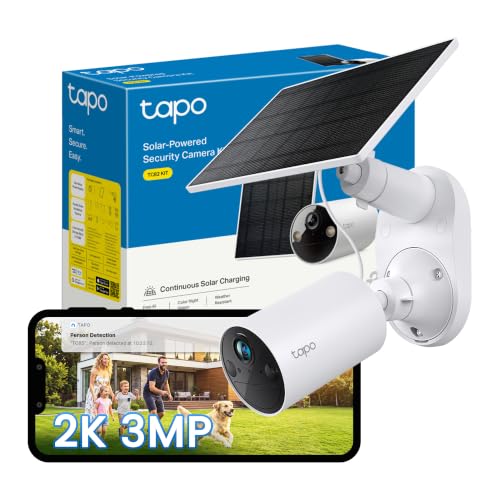
Wireless camera that charges itself
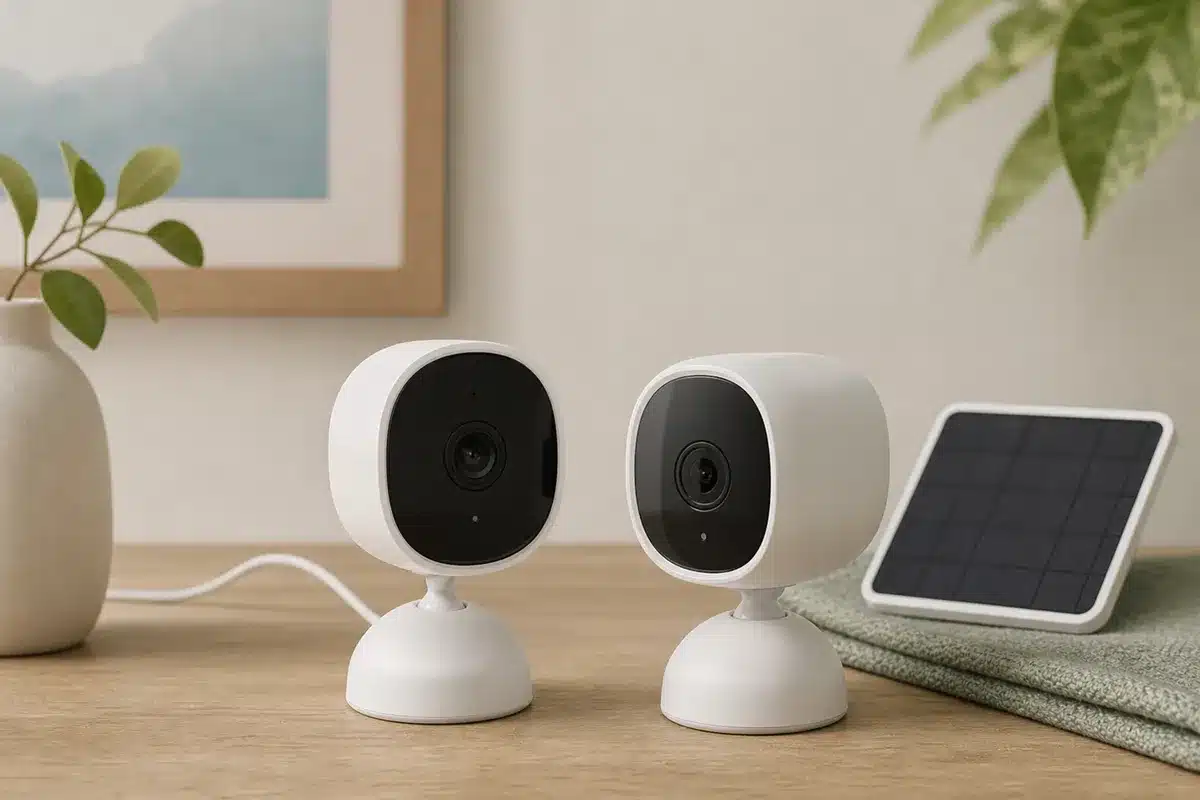
A happy middle ground: a wireless battery camera paired with a solar panel, so in a sunny spot it keeps itself topped up. You get 2K video, colour night vision and AI detection with no monthly fee.
- Rarely needs charging in sun
- Easy to fit
- Great value
- Shady spots reduce solar charging
- Event recording rather than 24/7
Which should you choose?
- Choose wireless if you rent, want a quick DIY install, or need a camera somewhere without power.
- Choose solar wireless if your camera spot gets decent daylight and you’d rather never charge it.
- Choose wired if you want 24/7 recording, the highest reliability or a whole-home system.
- Mix and match if you like: many homes use a wired camera by the drive and wireless cameras elsewhere.
If you’d like to avoid monthly fees whichever you choose, our guide to security cameras with no subscription can help, and our list of the best home security cameras UK homes buy covers both types. For mains wiring rules, see Electrical Safety First.
Power over Ethernet explained simply
Power over Ethernet sounds technical, but the idea is lovely and simple: one cable carries both electricity and data to the camera. Because the voltage is low, many people fit PoE cameras themselves, and there’s no need for a socket near each camera. You’ll need a PoE switch or a network video recorder (NVR) indoors to power the cameras and store footage.
When people compare wired vs wireless security cameras, PoE is often the ‘gold standard’ for reliability. It’s especially good for driveways and side passages where Wi-Fi is weak.
Can you mix wired and wireless cameras?
Absolutely. Many homes start with a couple of wireless cameras and add a wired camera later where it’s most useful. Just check that your cameras work in the same app, or are happy using two apps.
Wired vs wireless security cameras: FAQs
Are wired or wireless security cameras better?
Neither is better for everyone. Wireless is easier; wired is more reliable and can record 24/7.
Do wireless cameras need Wi-Fi?
Yes, to send alerts and live video. Some store clips locally if Wi-Fi drops.
Can I install wired cameras myself?
PoE cameras are low voltage and many people fit them. Mains-powered cameras should be installed by a qualified electrician.
How long do wireless camera batteries last?
From weeks to many months, depending on activity, settings and temperature. Solar panels extend this.
The bottom line
- Wireless for ease and flexibility
- Wired for reliability and 24/7 recording
- Solar for a low-maintenance middle ground
When weighing wired vs wireless security cameras, think about installation, power and how much you value 24/7 recording. Wireless is simple and flexible; wired is steady and dependable.
General information only. Features, prices and availability change, so always check the product listing and your manufacturer’s instructions. If a job involves your car’s electrics or mains wiring and you’re not confident, please ask a qualified installer.